
Not Loving Your Cricut Yet?
You’re Not the Problem—the way you’ve been told to learn Design Space Is.
If Design Space has you overwhelmed, confused, or downright frustrated, stop wasting precious time and expensive materials trying to figure it out alone. This step-by-step guide shows you exactly what to do—on every device, for every Cricut machine.
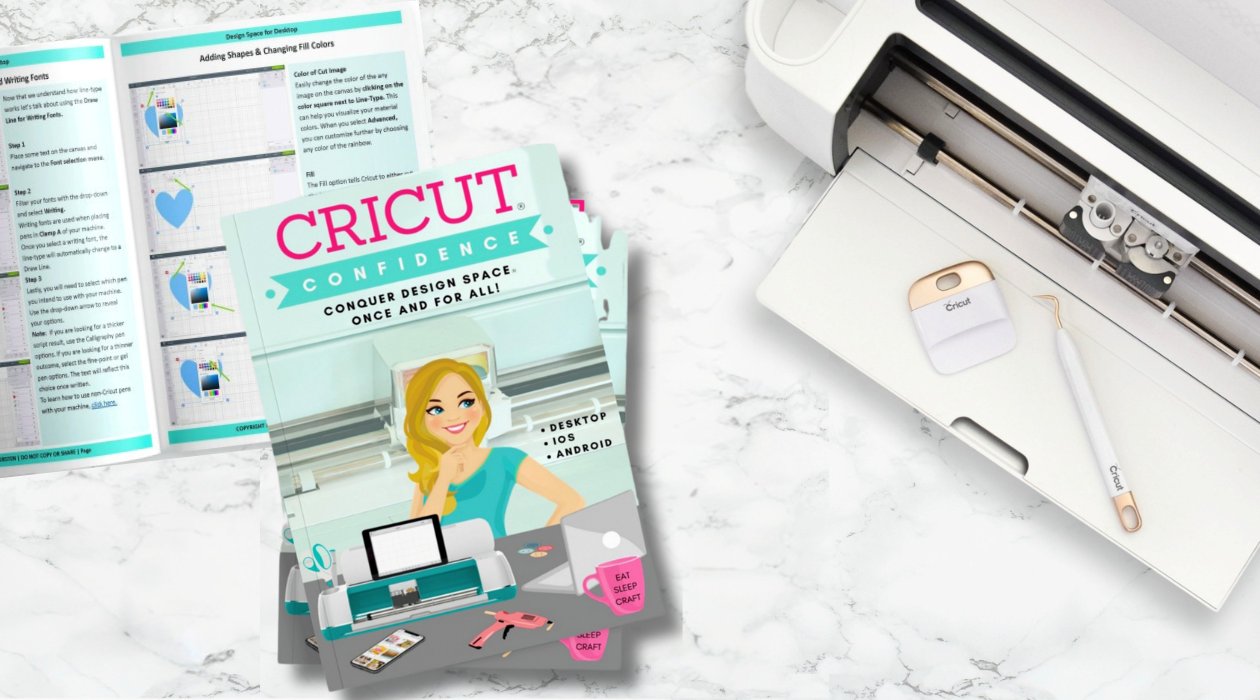
THE CRICUT CONFIDENCE EBOOK + SVG BUNDLE INCLUDES
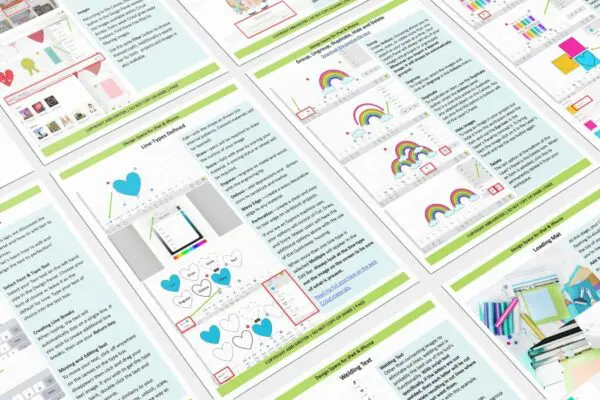
200+ Pages of Step-by-Step Design Space Guidance
In as little as 7 days, confidently master every Design Space tool so your Cricut crafting finally clicks! Easy-to-understand, bite-sized lessons are made for crafters with any of the following machines: Explore 2, Explore 3, Explore 4, Explore 5, Maker, Maker 3, Maker 4, Joy, Joy 2, and Joy Xtra.
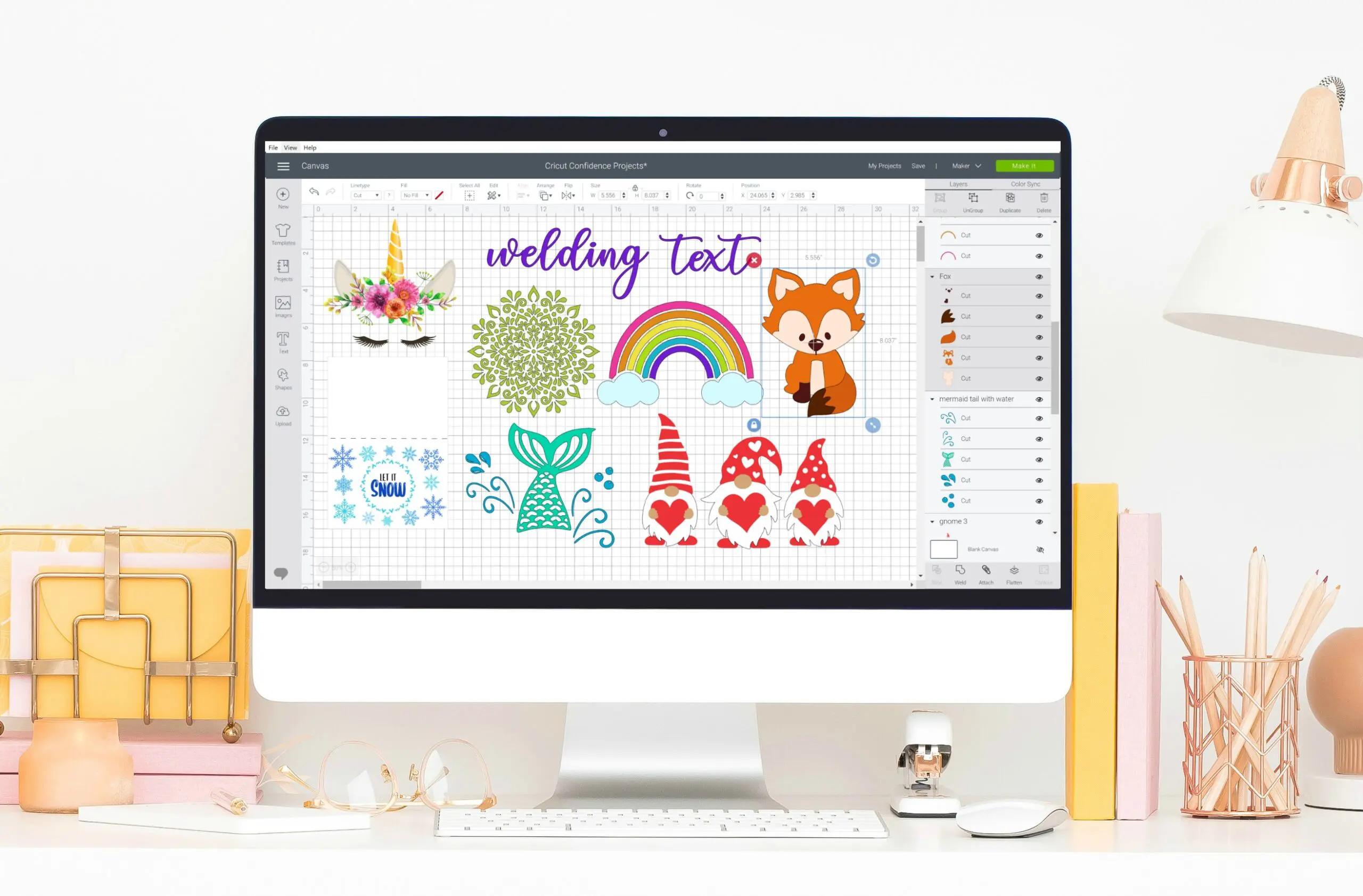
10+ Practice Bonus SVG Files
Learn by doing: practice all the lessons with these 10 fun and free image files. As your confidence grows, you’ll already have a stash of designs ready for your next project!
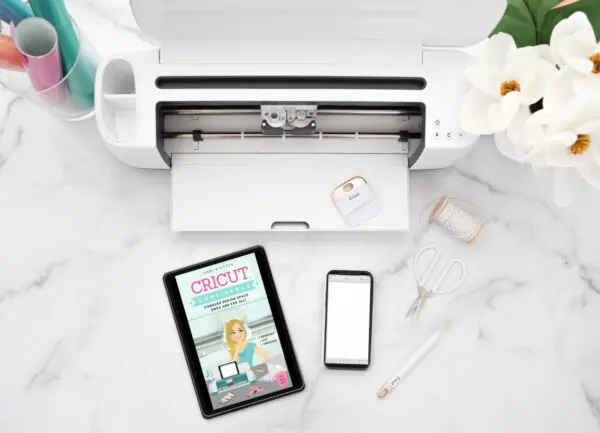
3 Platforms Covered
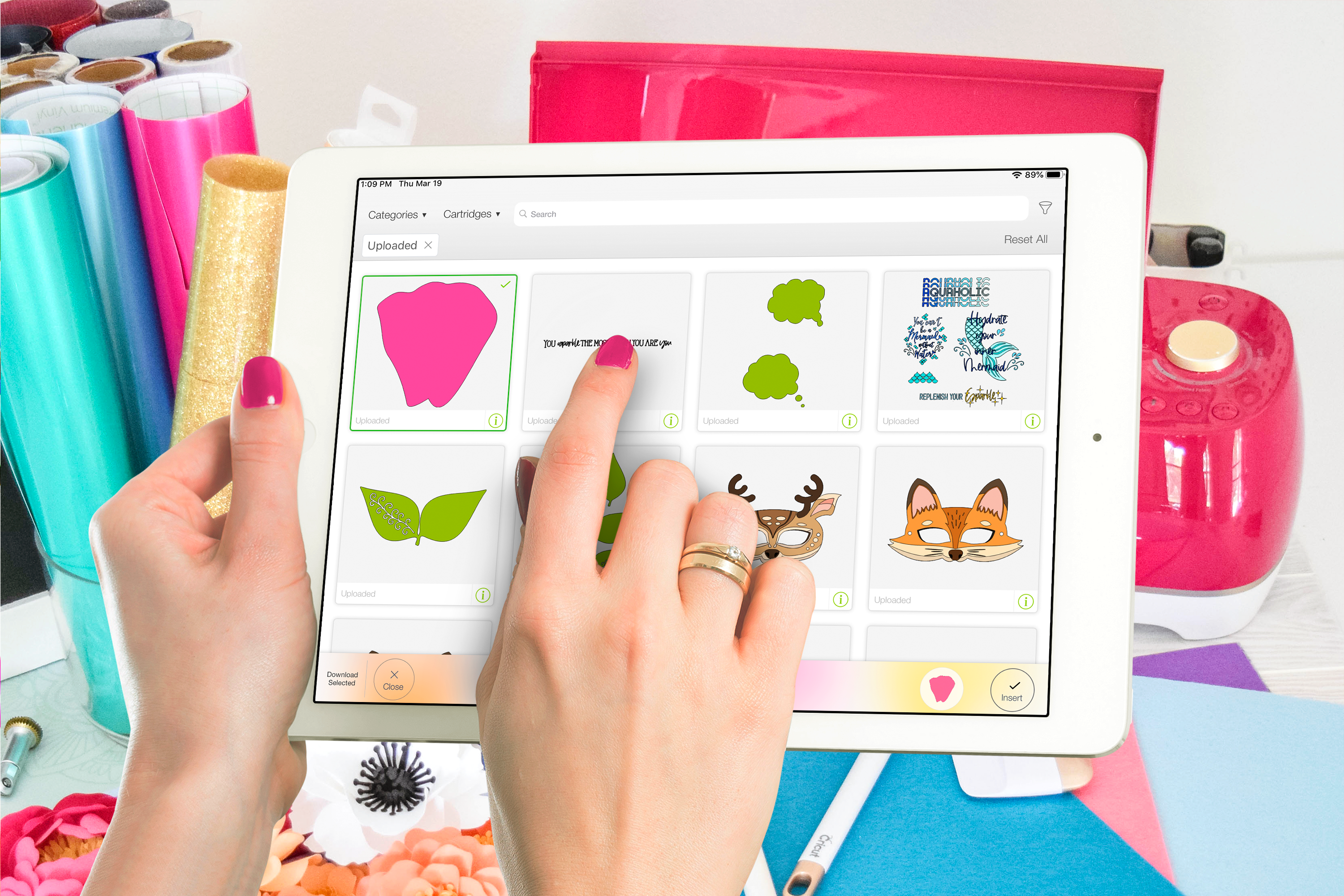
Whether you’re using Design Space on a computer (desktop/laptop), Apple device (iPad, iPhone), or Android device, this ebook answers every question for every platform.
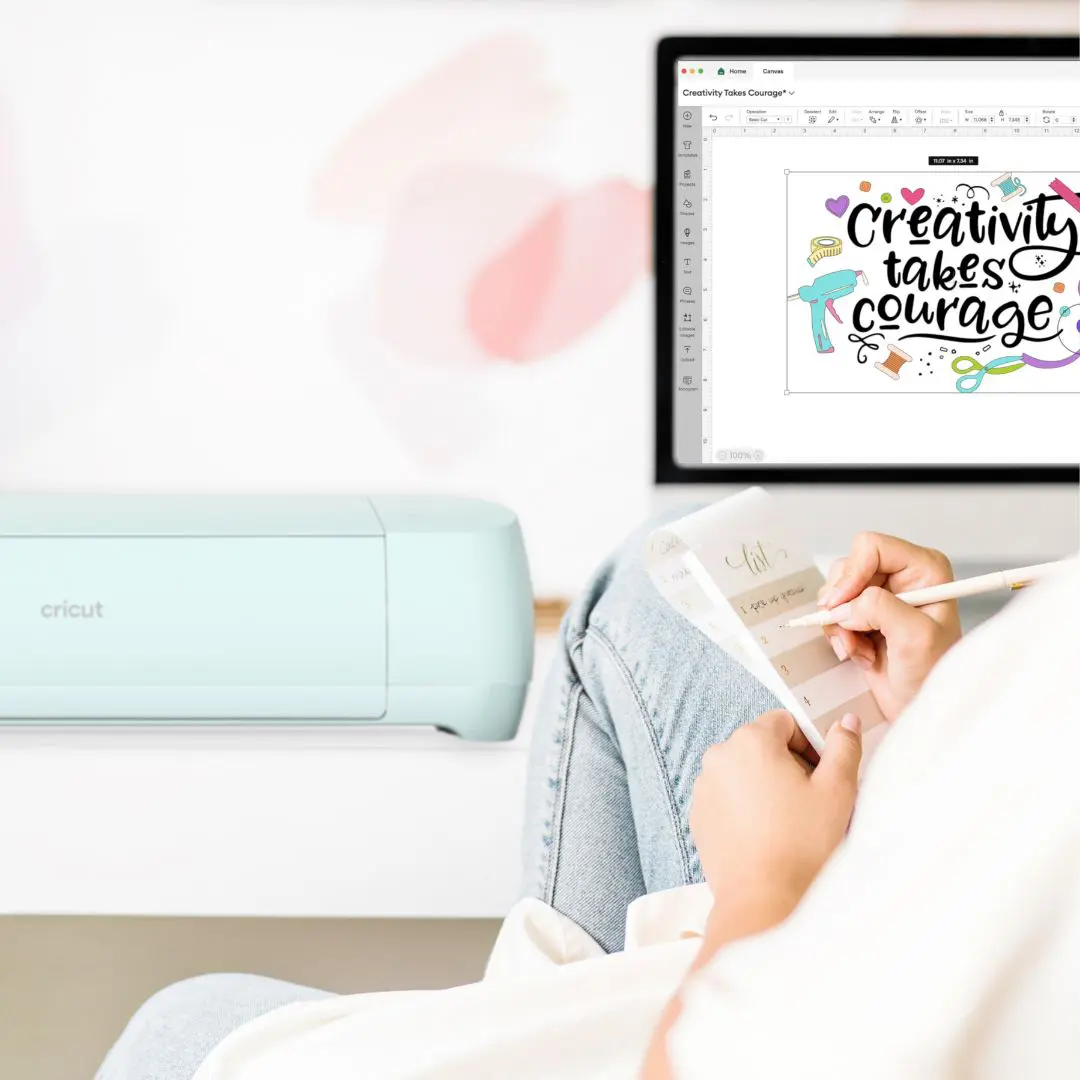
45+ Cricut & Design Space Glossary Terms
No more wondering what Weld, Attach, Flatten, Contour, or this tool or that tool means. This glossary breaks down all the terms you need to know—in plain English!
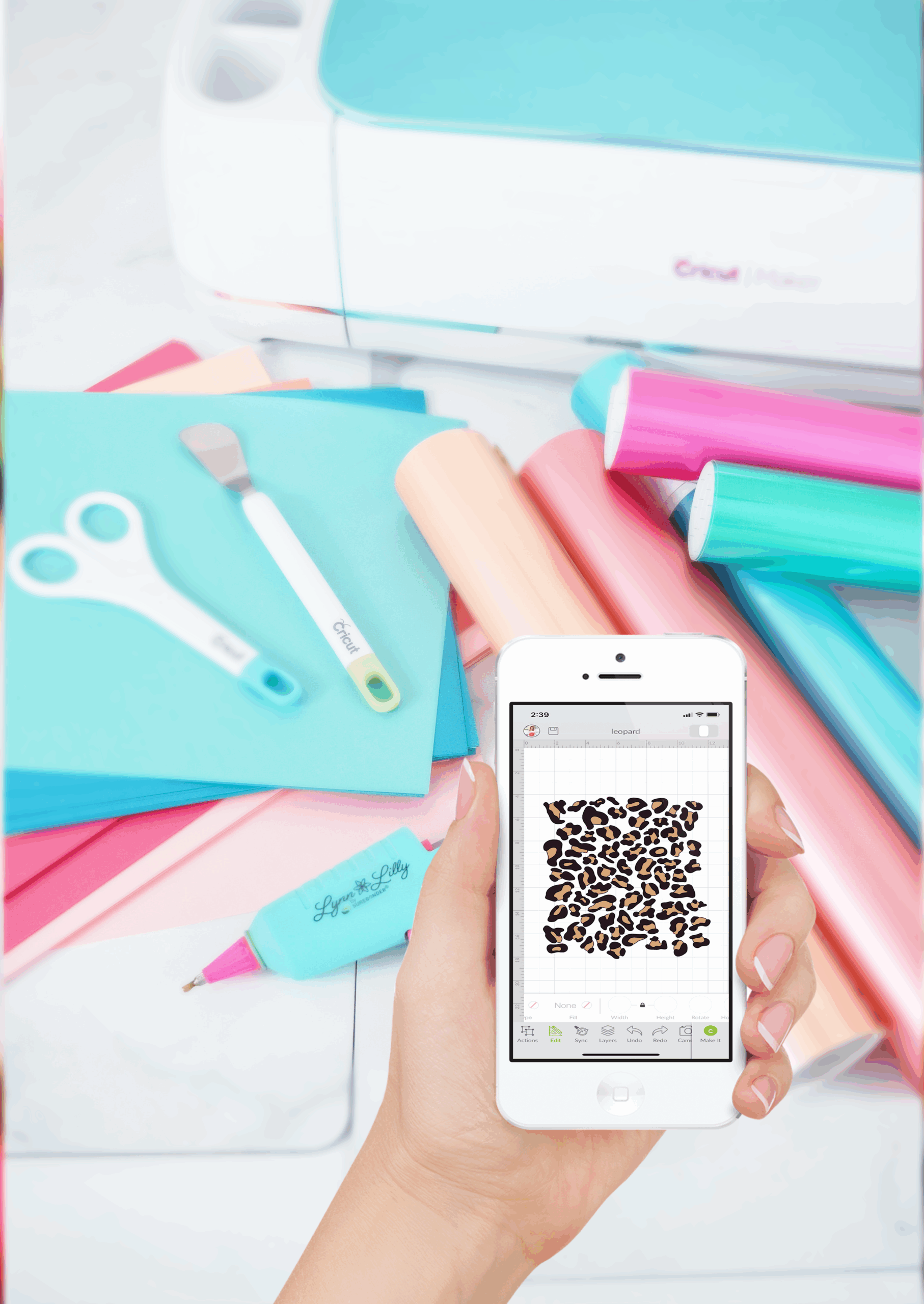
5+ Exclusive Bundle Bonuses
Bonus printables include learning your Cricut machine anatomy, Design Space visual map key, Easypress anatomy guide, sanity-saving vinyl hacks, craft room organization binder, and more!
Cricut Confidence is Perfect for YOU if you…
.
Own a Cricut machine
Dread opening Design Space because nothing feels intuitive
Abandon projects when the tech gets in the way
Waste tons of time on YouTube tutorials, but still feel stuck and unsure how it all fits together
Forget what functions to use to complete a project (Print Then Cut, Weld, Flatten, Contour, Attach: which one do you use when?!)
Cricut Confidence is designed to help you overcome the struggle (it’s real!) and take your crafting to the next level in a matter of days.
Cricut Confidence is Perfect for YOU if you… .
Own a Cricut machine
Dread opening Design Space because nothing feels intuitive
Abandon projects when the tech gets in the way
Waste tons of time on YouTube tutorials, but still feel stuck and unsure how it all fits together
Forget what functions to use to complete a project (Print Then Cut, Weld, Flatten, Contour, Attach: which one do you use when?!)
——
Cricut Confidence is designed to help you overcome the struggle (it’s real!) and take your crafting to the next level in a matter of days.
What Some of Our Half a Million Fans Have to Say …
200+ Pages of “Ohhh, That’s How You Do It” Moments
This ebook has one mission: leave no question unanswered. Consult it when you need a quick answer, and then keep crafting! Here are all the Design Space lessons packed inside Cricut Confidence.
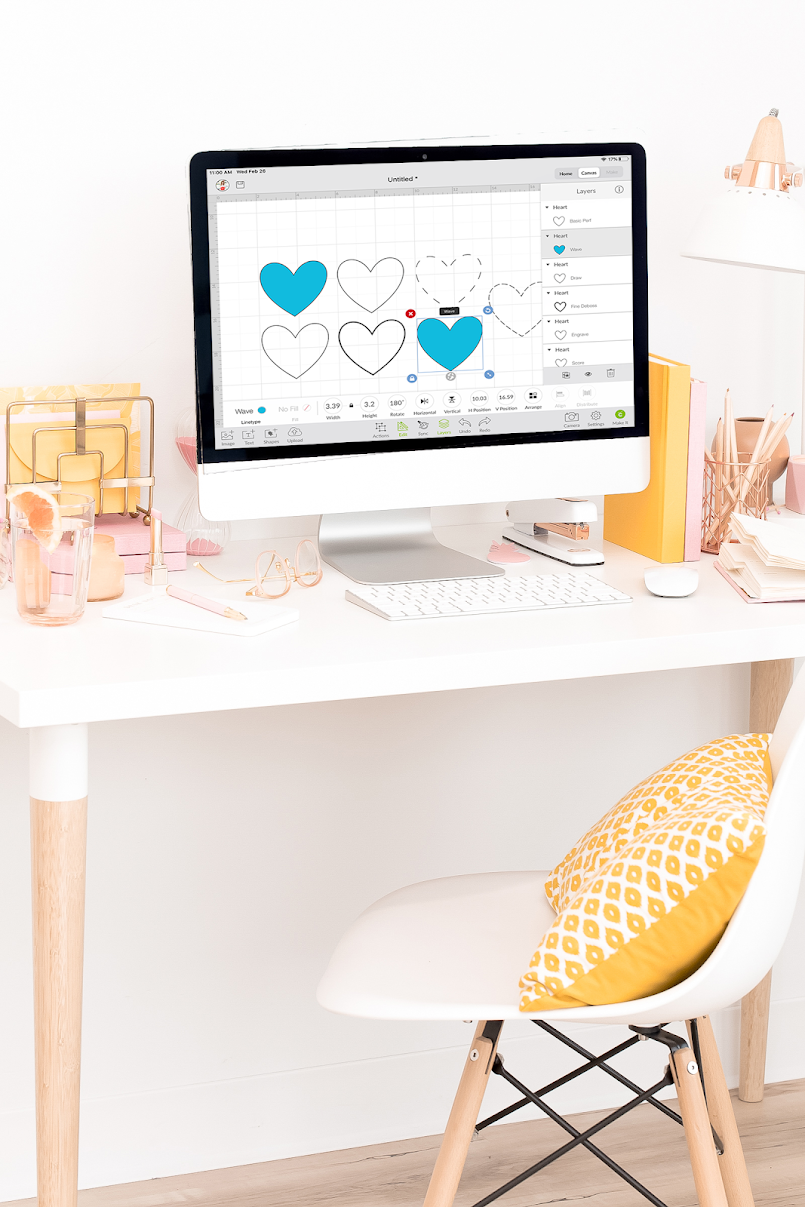
⚙️ Getting Started with Cricut & Design Space
Eliminating frustration requires a strong foundation. Start off strong by setting up your Cricut and Design Space the right way. With the tech side handled, you can focus on what you really want to do: craft.
- Downloading Design Space & Creating Your Account
- Connecting to Bluetooth & Selecting Your Machine
- Saving Projects & Using Project Collections
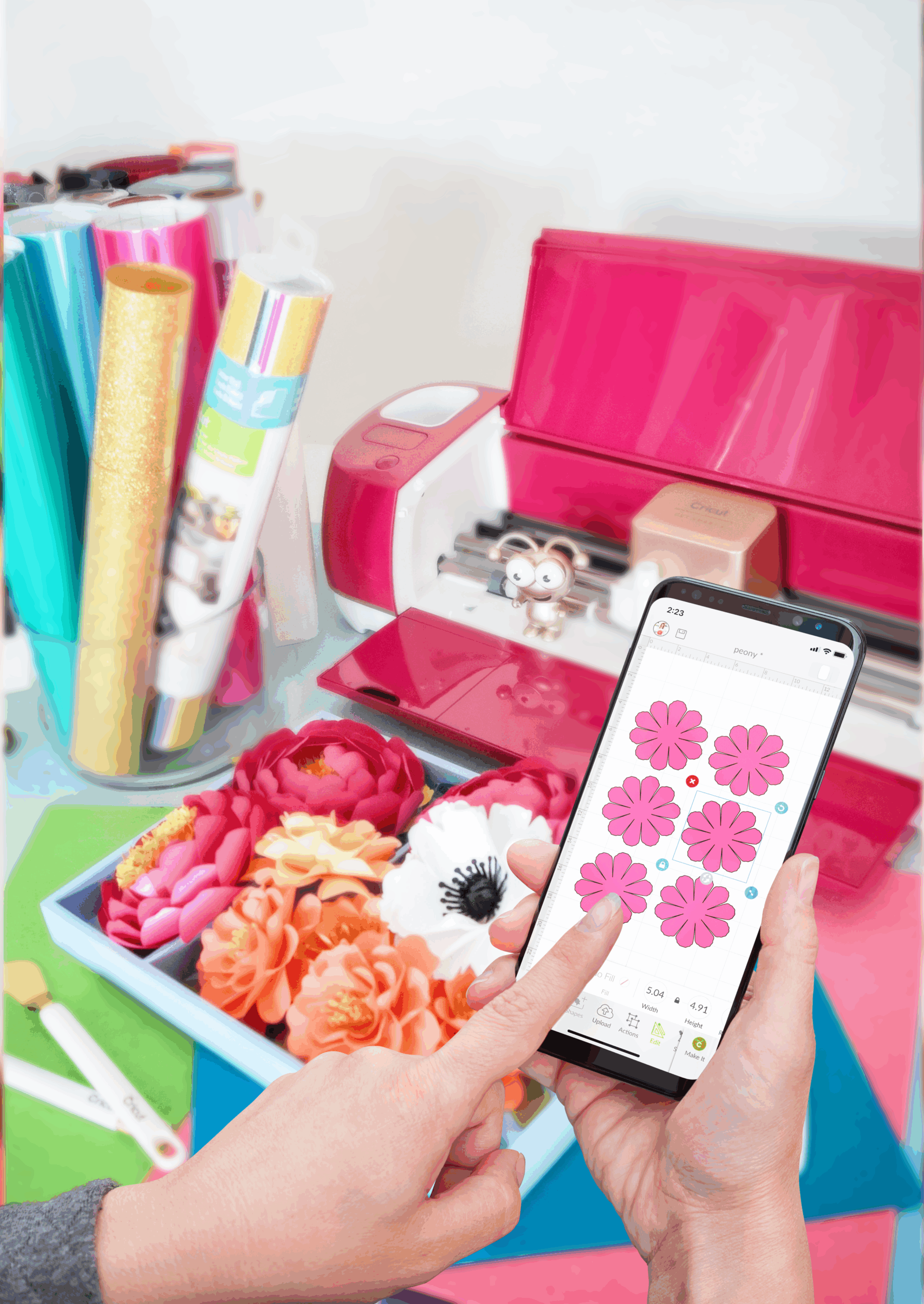
🖥 Navigating the Canvas & Basic Tools
Adding text and shapes, uploading your own images, choosing fonts, and customizing colors: You’ll finally be able to create all those “I wish I could make that!” projects—because now you can.
- Canvas Navigation & Design Panel
- Using Templates, Images & Shapes
- Designing with the Text Tool: Fonts, Style, and Spacing
- Differences Between SVG and Print Then Cut
- Uploading SVG Files & Print Then Cut Images
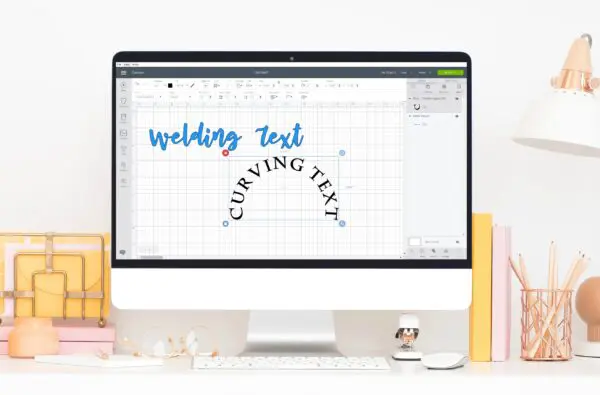
✏️ Editing, Designing & Customizing
Personalize every inch of your project. Easily curve text for custom labels, add bold outlines with Offset, clip patterns into shapes, and fine-tune every element with tools to flip, rotate, resize, and perfectly align your designs.
- Resizing and Flipping Objects
- Using the Edit Bar: Operation Types, Writing Tools, Undo, Align, Arrange
- Curving Text & Adding Offsets
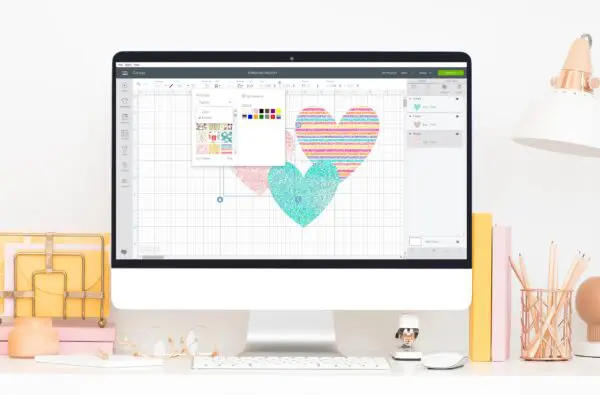
- Uploading Patterns & Clipping into Shapes
🛠️ Mastering the Layers Panel
This is where you ensure that what you see in Design Space is exactly what you get when you cut. Combine text and shapes (or create new ones!), customize images, and control every element of your design with perfectionist precision.
- Grouping, Ungrouping, Duplicating, Deleting & Hiding Layers
- Using Slice, Weld, Attach, Flatten & Contour Tools
- Simplify with Syncing Colors
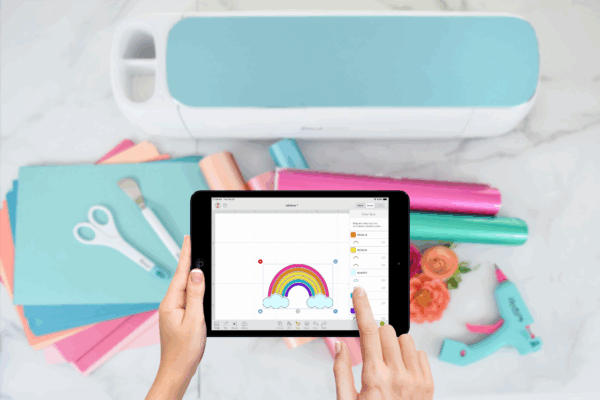
✂️ Prepping, Cutting & Material Settings
Avoid trial-and-error disasters and ensure your project comes out exactly how you want it, every time. Learn the frustration-free way to prep your project for clean cuts that save you time and expensive materials.
- Cut Screen Tour & Material Selection
- Adjusting Pressure, Tools, & Creating Your Own Cut Settings
- Loading Your Mat & Managing Multiple Mats for Cutting
EXCLUSIVE BUNDLE BONUSES
Confused to Confident in a Matter of Days
Your ebook bundle includes these extra guides, cheat sheets, and more to make learning
Cricut Design Space even easier—and your crafting life way more fun.
↓ ↓ ↓
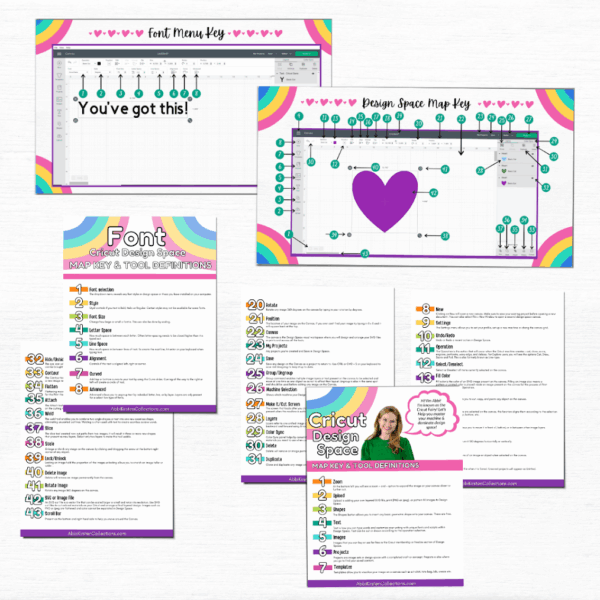
Design Space Glossary & Map Key
Spend less time hunting for tools and functions and more time creating. This handy cheat sheet helps you quickly get your bearings inside Design Space.
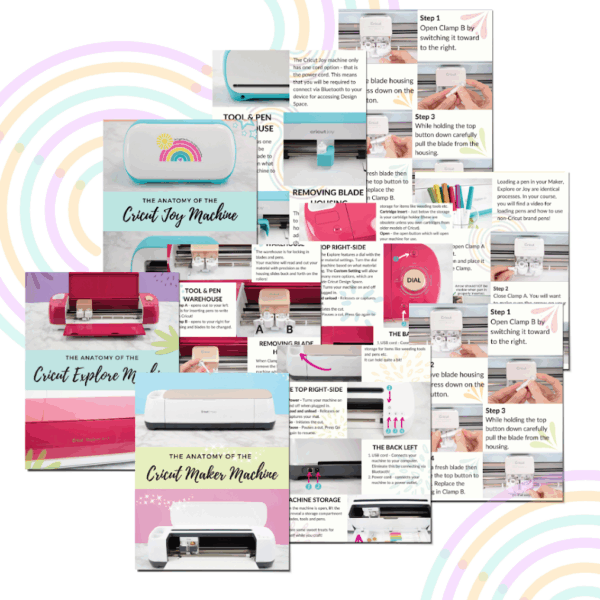
Cricut Machine Anatomy Guides
Get comfortable with your Cricut, fast. Printable machine anatomy guides walk you through every button and feature of your Cricut machine.
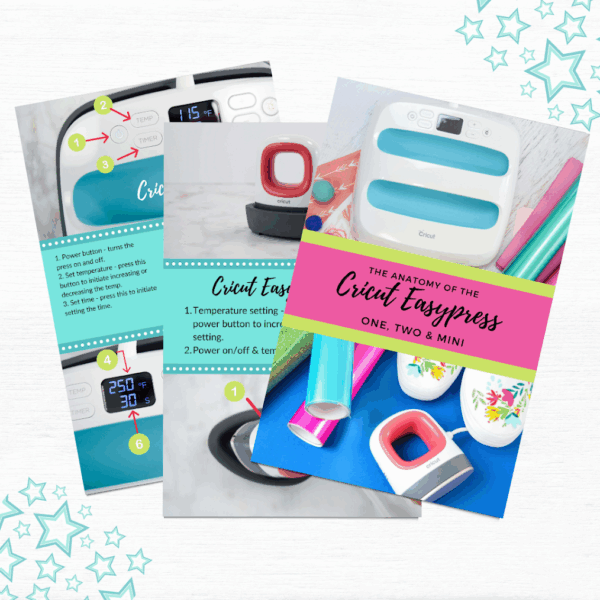
EasyPress Anatomy Cheat Sheet
Master your Easypress without the guesswork. These printable cheat sheets show you how to use EasyPress and EasyPress Mini—so you always know what to do, no matter which version you own.
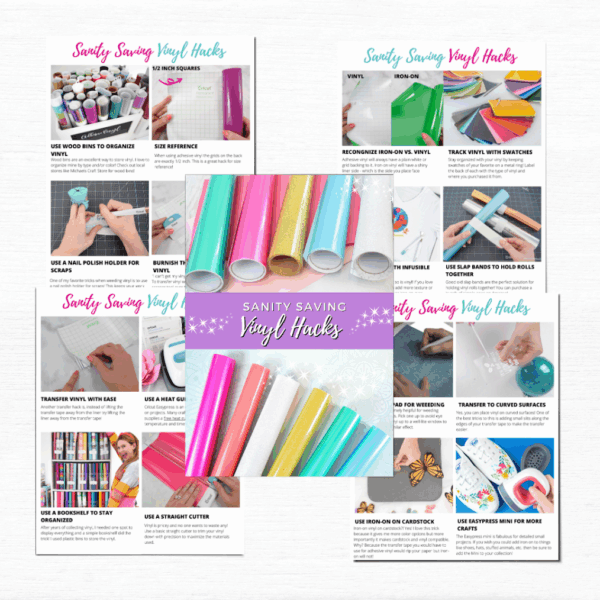
Sanity-Saving Vinyl Hacks
Say goodbye to sticky struggles. These clever vinyl tips and tricks help you stay organized, save materials, and enjoy the process—even when things get messy.
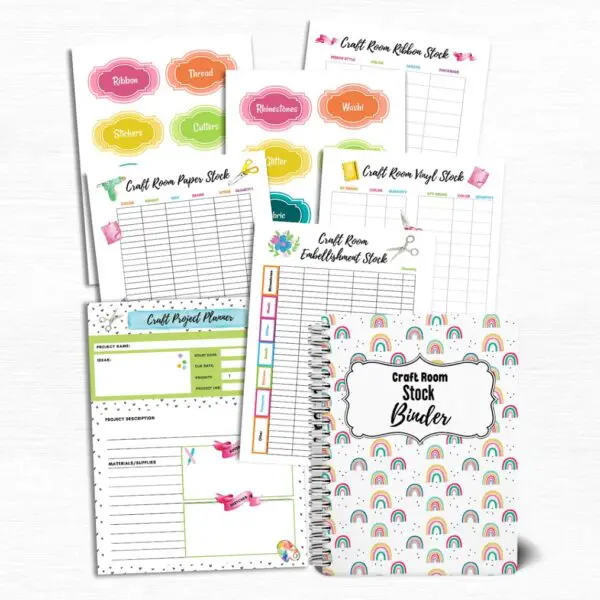
Craft Room Organization Binder
Craft, make a mess, clean, and repeat—without the stress. Print and use my Craft Room Organization binder to bring calm to your craft chaos.
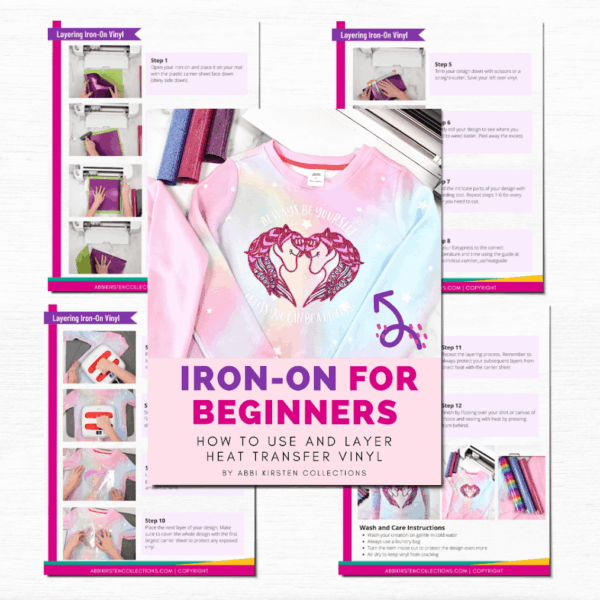
Iron-On Vinyl for Beginners
Layer iron-on vinyl—also known as heat transfer vinyl—like a pro. In this bonus tutorial, I break down each step of the process so you have complete confidence in doing it yourself.
TOTAL VALUE: $117+
(But that’s not what you’ll pay!)
TOTAL VALUE: $117+
(But that’s not what you’ll pay!)
Future-Proof Your Cricut Know-How with Free Ebook Updates
Any time Design Space is updated, so is your ebook! Here’s how it works:
- Design Space releases a significant update.
- Cricut Confidence is updated within 30 days.
- A new copy of Cricut Confidence is sent straight to your email.
No extra cost. No extra effort. Just the confidence that you’re always working with the most up-to-date info.
VALUE: PRICELESS
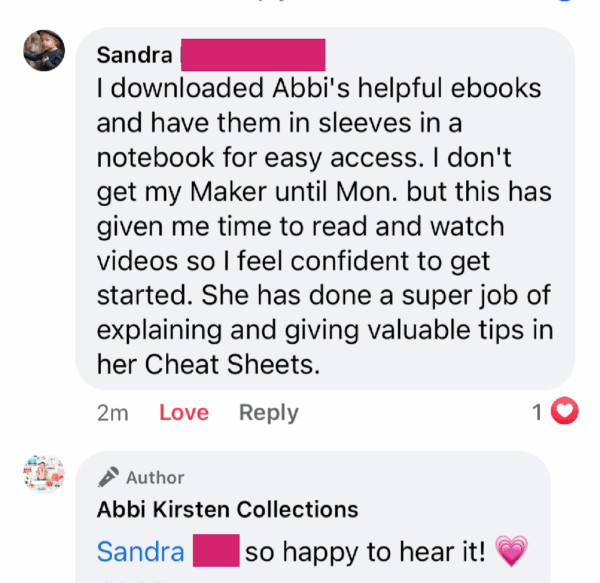
Real People. Real Projects. Real Cricut Confidence.
Skip the struggle and become a confident crafter like these members of our community!





18,000+ Crafters Have Chosen Fun Over Frustration. It’s Your Turn.
Total value: $117+
Your price: $18
I Make Design Space Finally Make Sense It’s Why Crafters Call Me the Cricut Fairy
Harsh truth incoming: If you feel anything less than excited when you sit down to craft with your Cricut, then you probably haven’t taken the time to master the core concepts that make it worth owning.
How do I know? I was once in your shoes.
Right now, Design Space probably seems totally daunting or maybe you’re just tired of Googling answers mid-project.
But, in just a few days, I am confident you will be zipping through your Cricut projects like a pro.
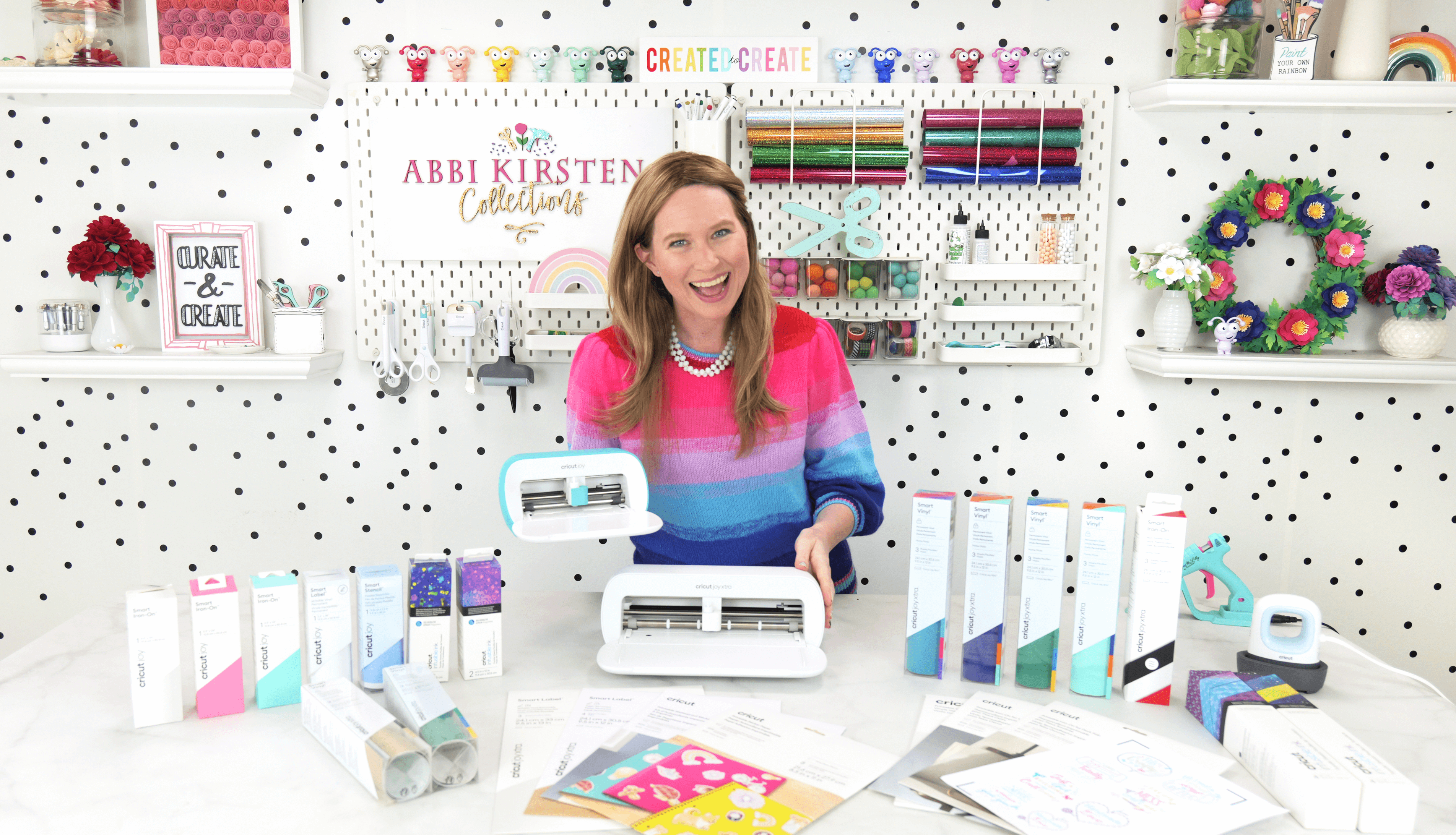
After 13+ years of crafting with my Cricut machines, and teaching nearly one million (!!!) how to use theirs, I compiled this go-to resource to help crafters just like you. Cricut Confidence is designed to take you from “I don’t think that’s possible!” to “Look what I made!”
You spent valuable money on your Cricut—so let’s make sure you can make the most of it.
I can’t wait to see what you create, friend! ✨


Cricut Confidence FAQs
Your Cricut Isn’t Judging You.
But It’s Definitely Waiting.
It’s time to learn it, love it, and actually use it.
The Cricut Confidence Ebook Bundle gives you the clarity and support you’ve been missing.